
Simplifying Healthcare Metadata
Simplifying Healthcare Metadata / Making Sensitive Data Usable — Without Changing the Backend
Discover how a UK public health organization transformed complex metadata into a searchable, user-friendly experience. Built with PortalJS over OpenMetadata, this frontend gives non-technical researchers secure access to 300+ datasets — no backend overhaul required.


- 100% Secure Entra ID login, Azure-hosted
- 300+ Datasets searchable via PortalJS
- 60% Fewer Tickets metadata-related support requests down
Challenge
Sensitive healthcare data was locked behind technical barriers
- Hidden Catalog- Researchers couldn’t view or search the full dataset inventory across virtual machines.
- Fragmented Access- Each user only saw a limited slice of the data, causing duplicated work and missed insights.
- Technical Interfaces- OpenMetadata’s UI was built for engineers, not clinicians or public health researchers — resulting in friction and delays.
Solution
A user-friendly PortalJS frontend over OpenMetadata
- PortalJS Interface- A lightweight, intuitive frontend tailored for non-technical researchers to explore and request data.
- OpenMetadata Backbone- Metadata, access control, and governance handled via robust backend APIs — invisible to end users.
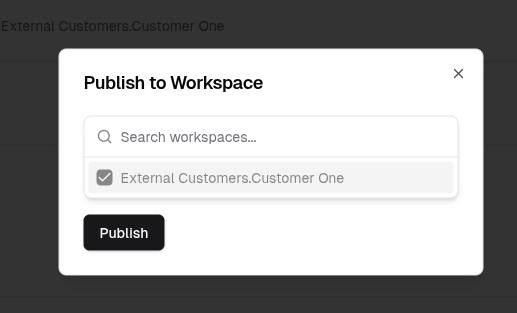
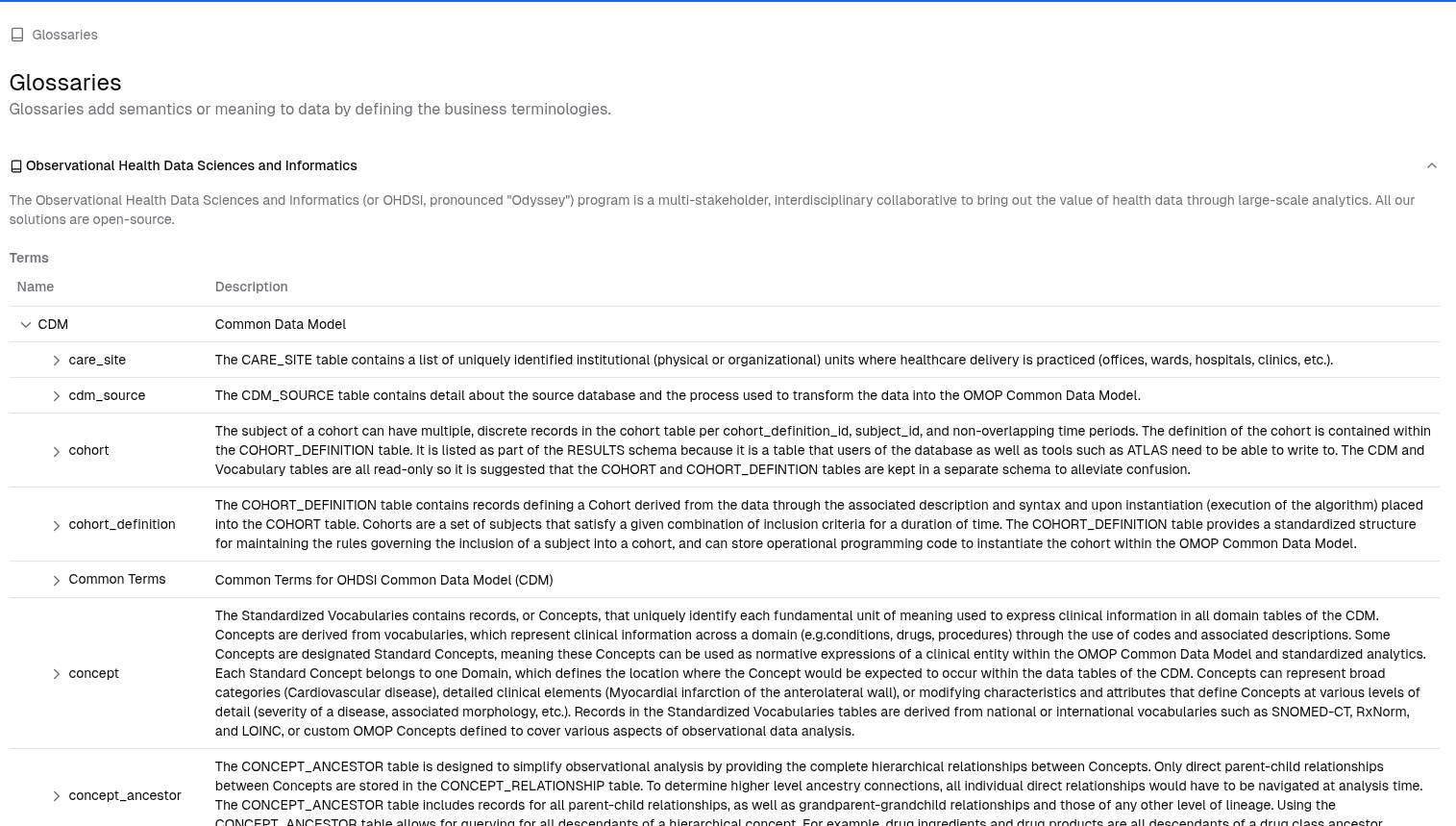
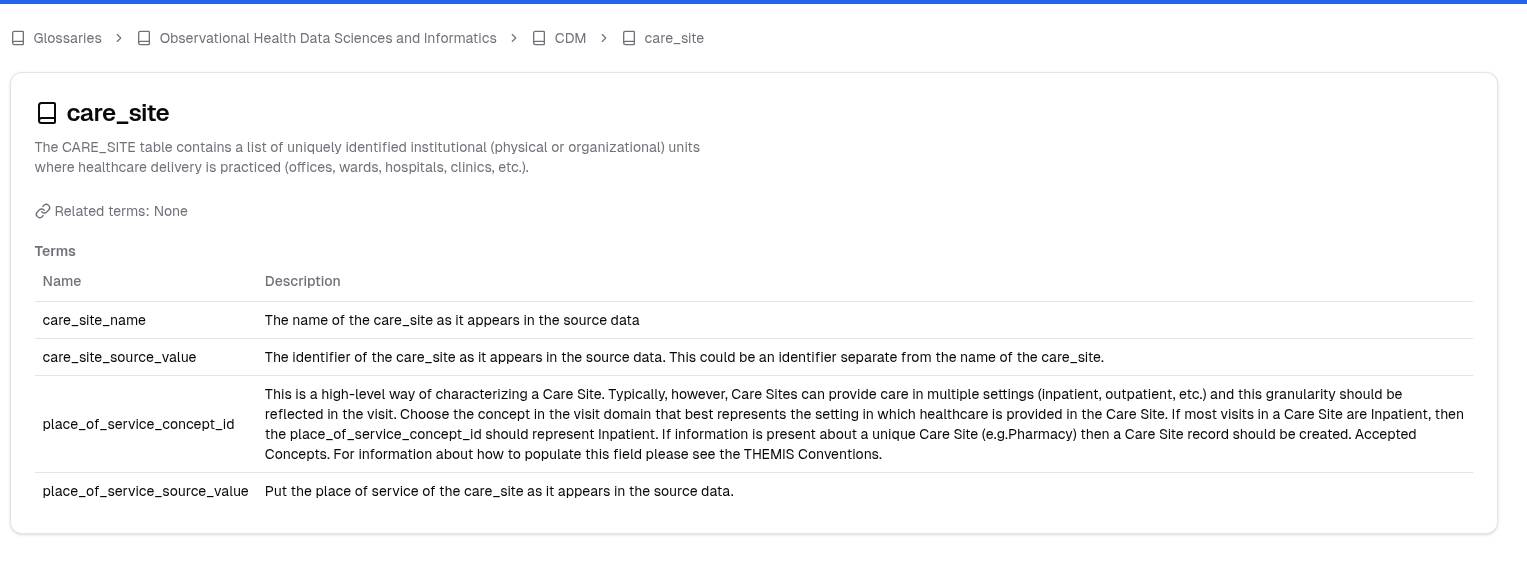
- Smart Features- Secure login with Microsoft Entra ID, built-in glossary, dataset Q&A, and one-click publishing to virtual workspaces.
Impact
Healthcare research workflows — simplified and accelerated
- Unified Discovery- Researchers can now search and filter across the full dataset catalog with ease.
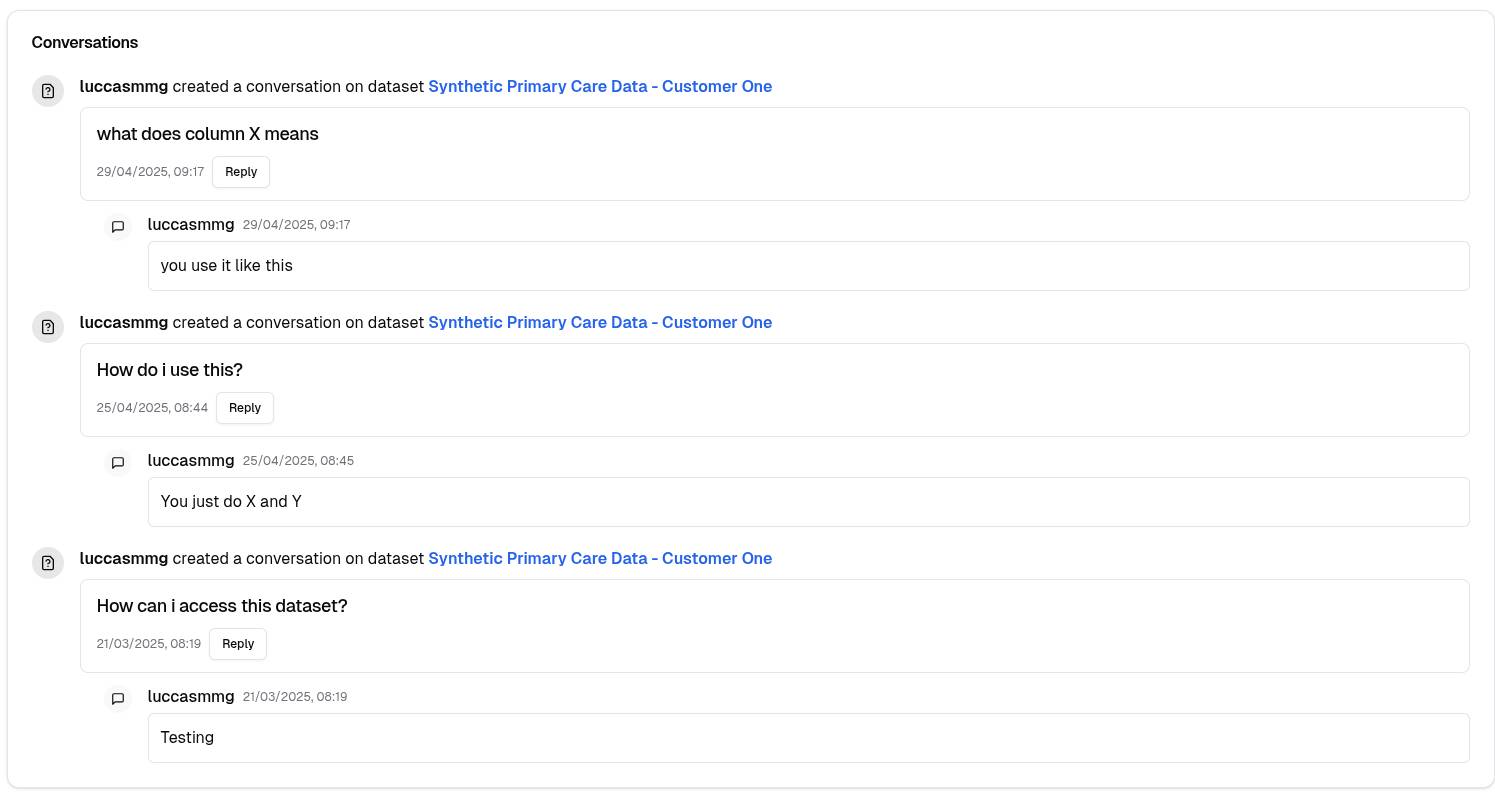
- Human-Centric UX- Q&A threads and glossary terms reduce confusion and support tickets.
- Operational Boost- Faster dataset provisioning, better data reuse, and less friction in onboarding new researchers.
Everything we built.
Api-first, backend-agnostic
Build modern data portals on any backend — from CKAN to OpenMetadata — using a clean, decoupled, API-first architecture.
Modern web stack
Built with Next.js, TailwindCSS, and React — PortalJS offers a lightweight, maintainable, developer-friendly foundation.
Dockerized for speed
Deploy fast with containerized builds that fit neatly into your DevOps pipelines — on cloud or on-prem.
Designed for non-technical users
Make data usable for everyone — researchers, citizens, analysts — with intuitive, clean UI tailored to real-world needs.
Secure by design
Integrates easily with identity providers like Microsoft Entra ID to ensure secure, role-based access control.
Pluggable and extensible
Adapt and grow your portal with reusable components, custom layouts, and rich integration options — all without vendor lock-in.
We needed a simple way to bridge usability gaps without rebuilding infrastructure. PortalJS delivered exactly that.
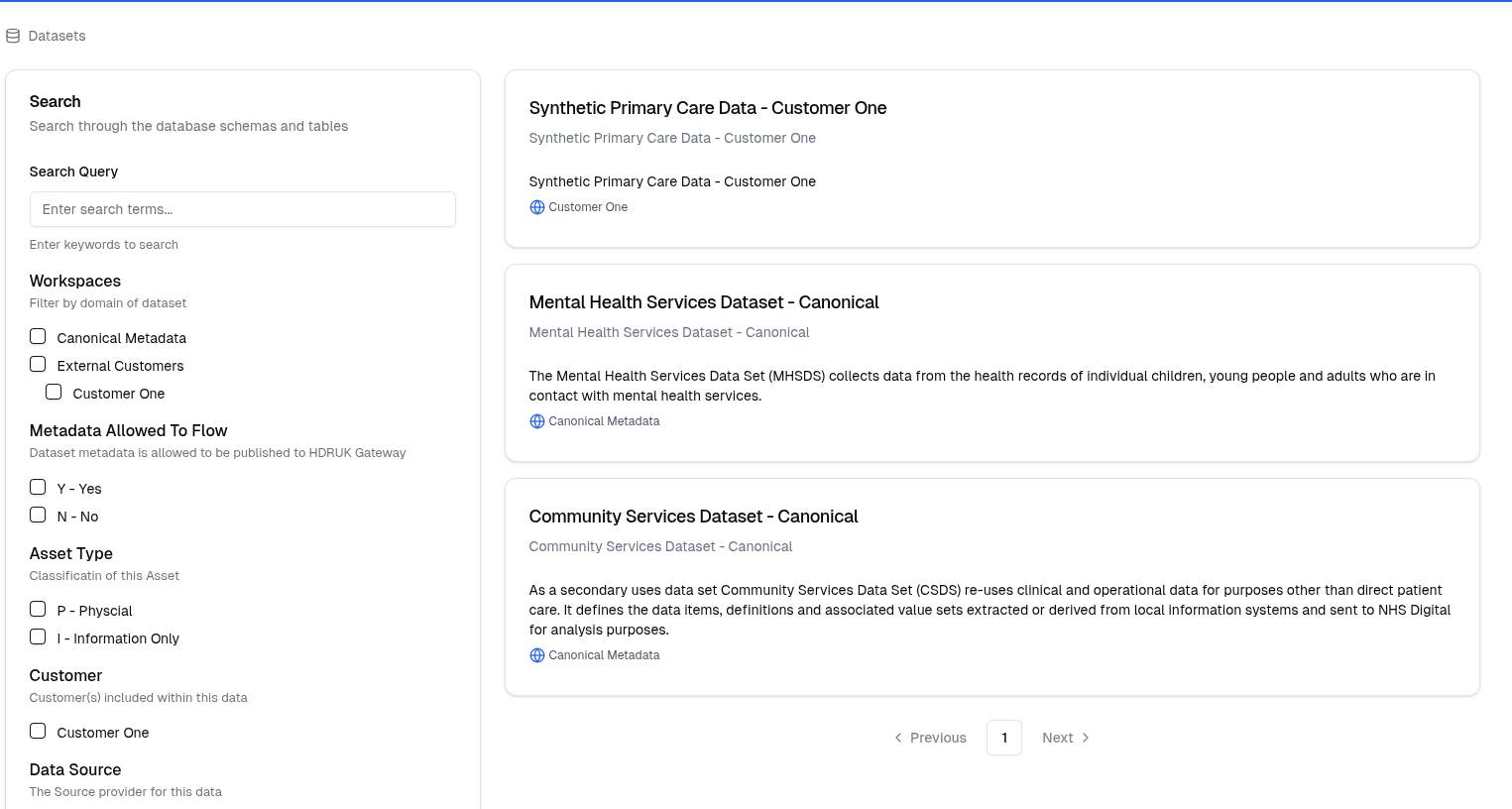
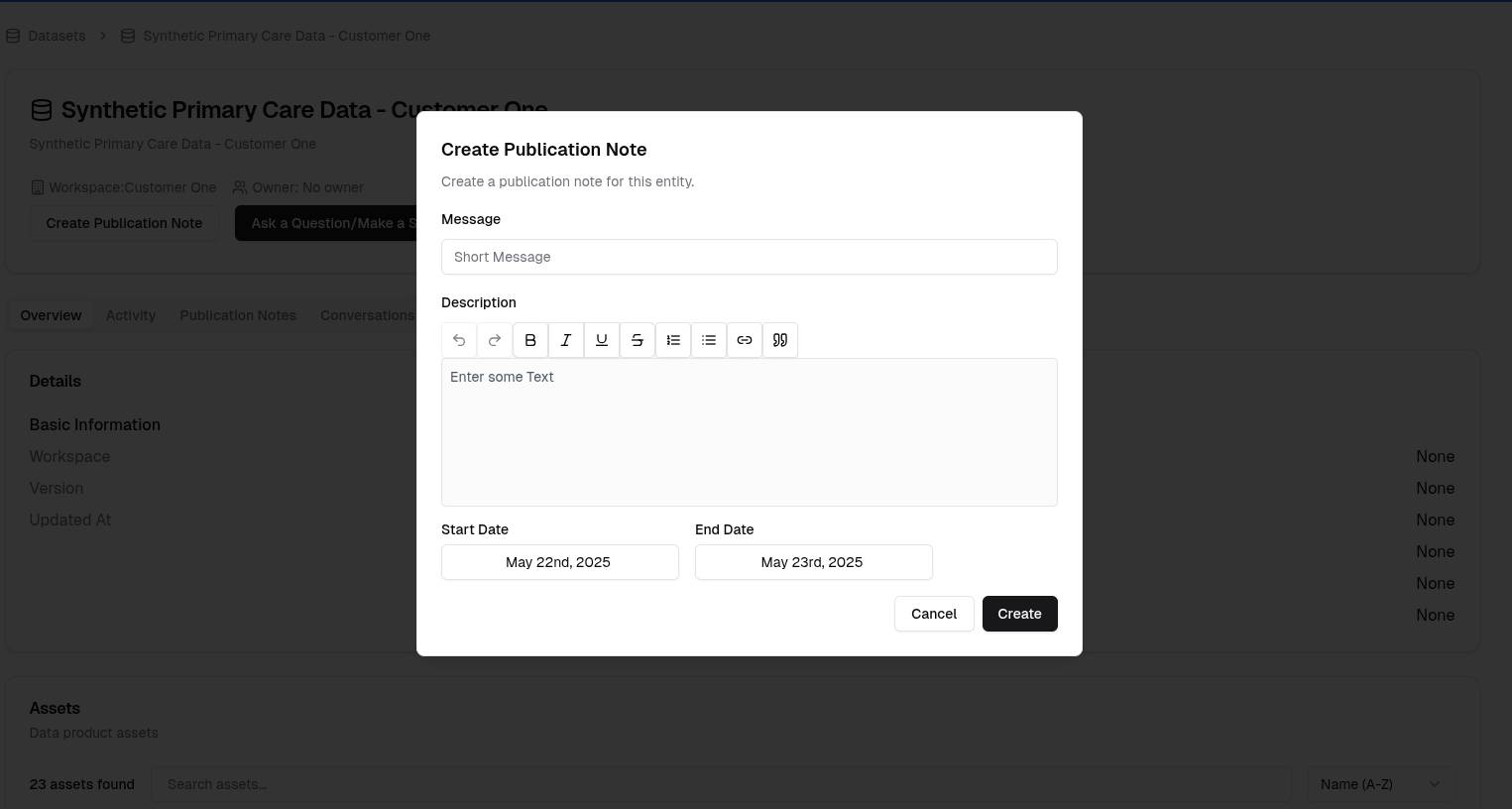
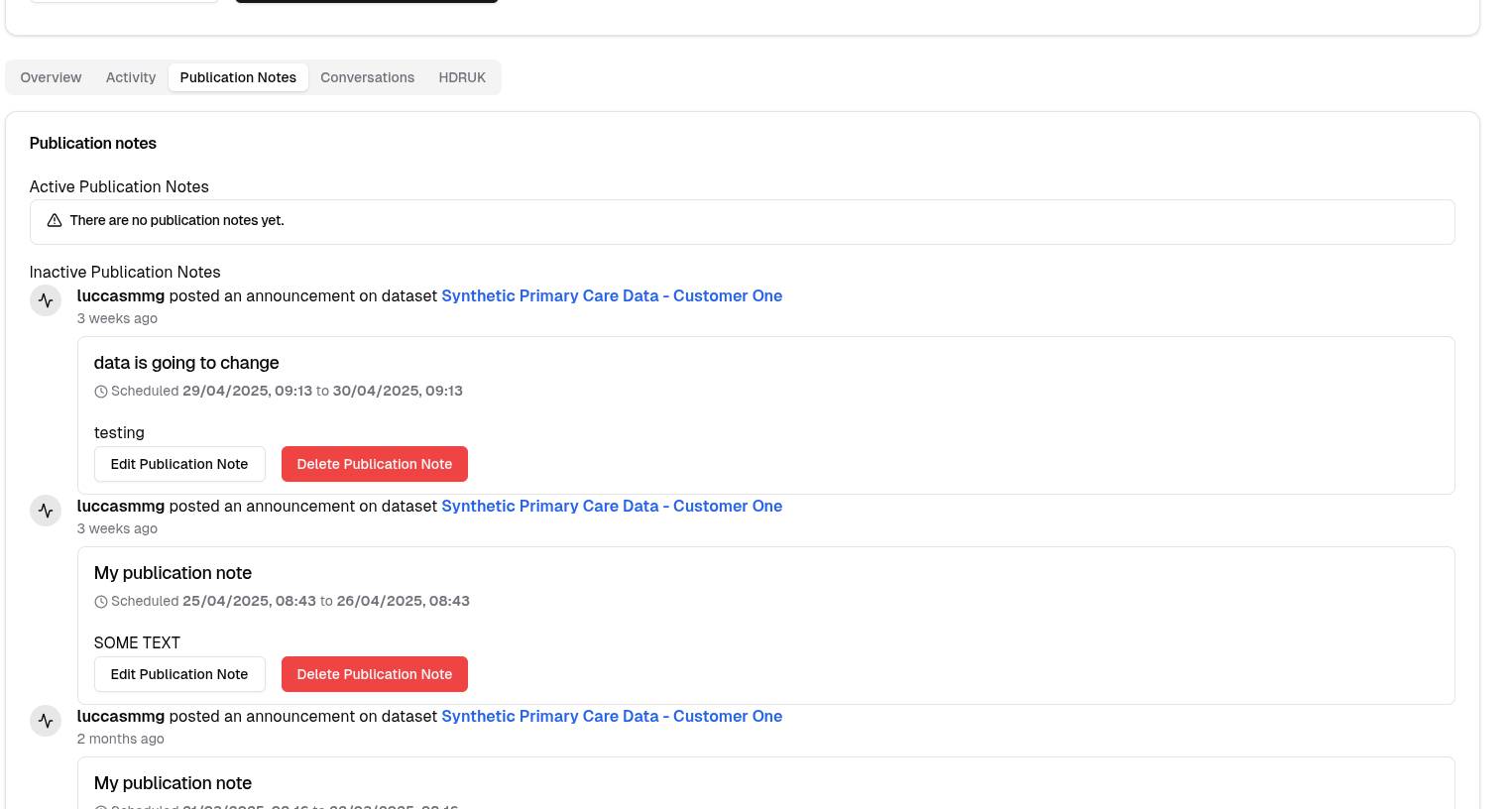
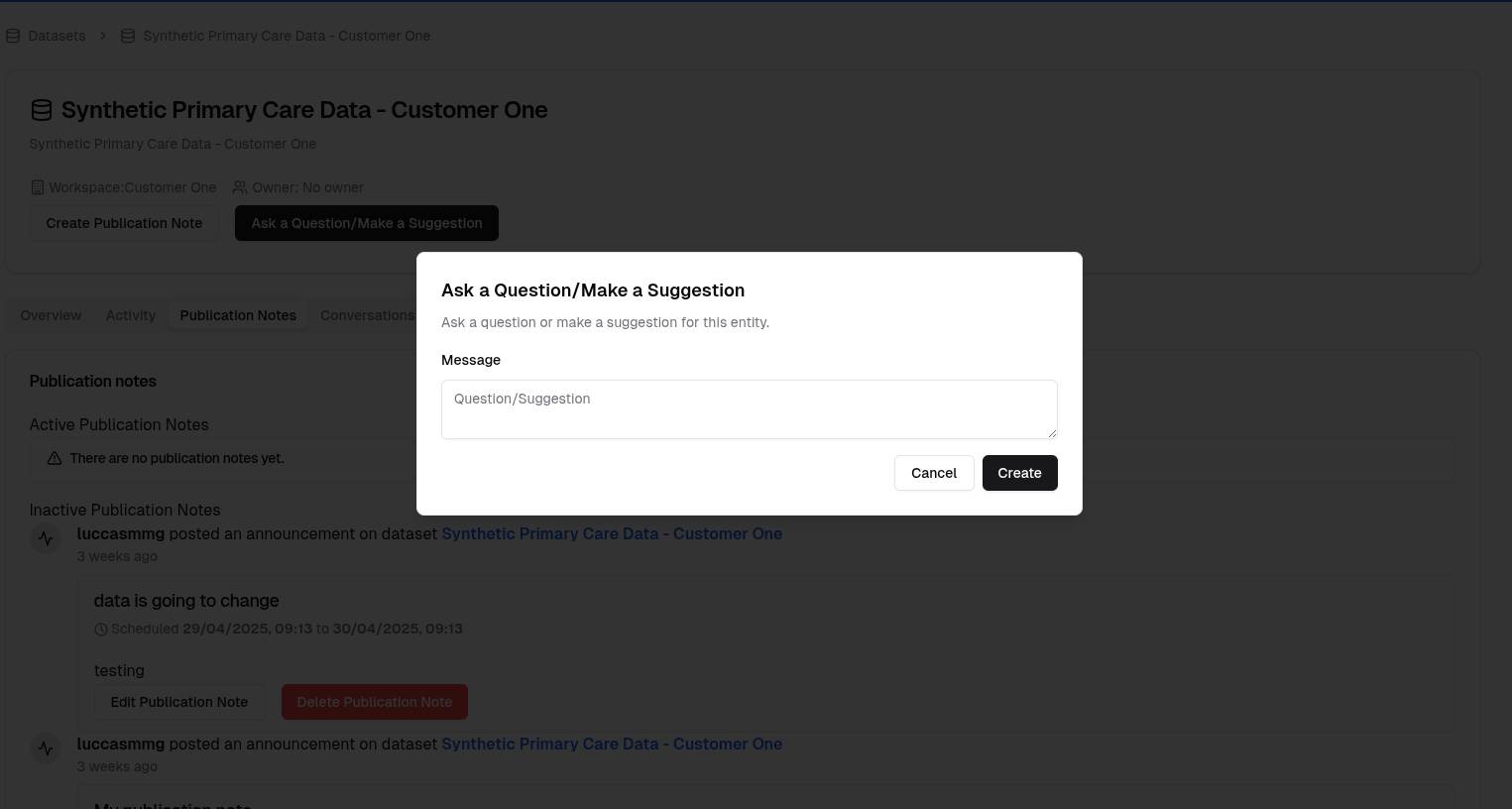
The Public Health Data Portal
A clean, Azure-integrated data portal built with researchers in mind.
Questions answered.
Ready to build your portal in minutes?
Let's discuss how PortalJS can meet your needs.
| Feature | Before PortalJS | With PortalJS |
|---|---|---|
| Dataset Discovery | Fragmented, invisible across workspaces | Unified catalog, searchable and filterable |
| Non-tech User Experience | Complex, engineer-focused | Simple, human-first UI |
| Dataset Q&A | Manual via email or ticketing | Built-in threaded discussions |
| Dataset Updates | Hard to communicate changes | Inline publication notes from stewards |
| Workspace Provisioning | Manual coordination | One-click “Add to Workspace” action |