
Groups
Groups categorize datasets thematically — for example, "Health", "Transport", "Open Budgets". A dataset can belong to multiple groups. Groups map to CKAN groups in the underlying catalog.
Permissions
Browsing groups is available to every signed-in user. Creating, editing, and deleting groups requires sysadmin privileges — that is, admin of the portal's main organization (see Organizations → Managing sysadmins).
| Action | Required role |
|---|---|
| Browse groups | Any signed-in user |
| Assign a dataset to a group | Editor or admin of the dataset's organization |
| Create, edit, delete groups | Sysadmin |
Users without sysadmin privileges do not see the Add group, Edit, or Delete controls.
Browse groups
-
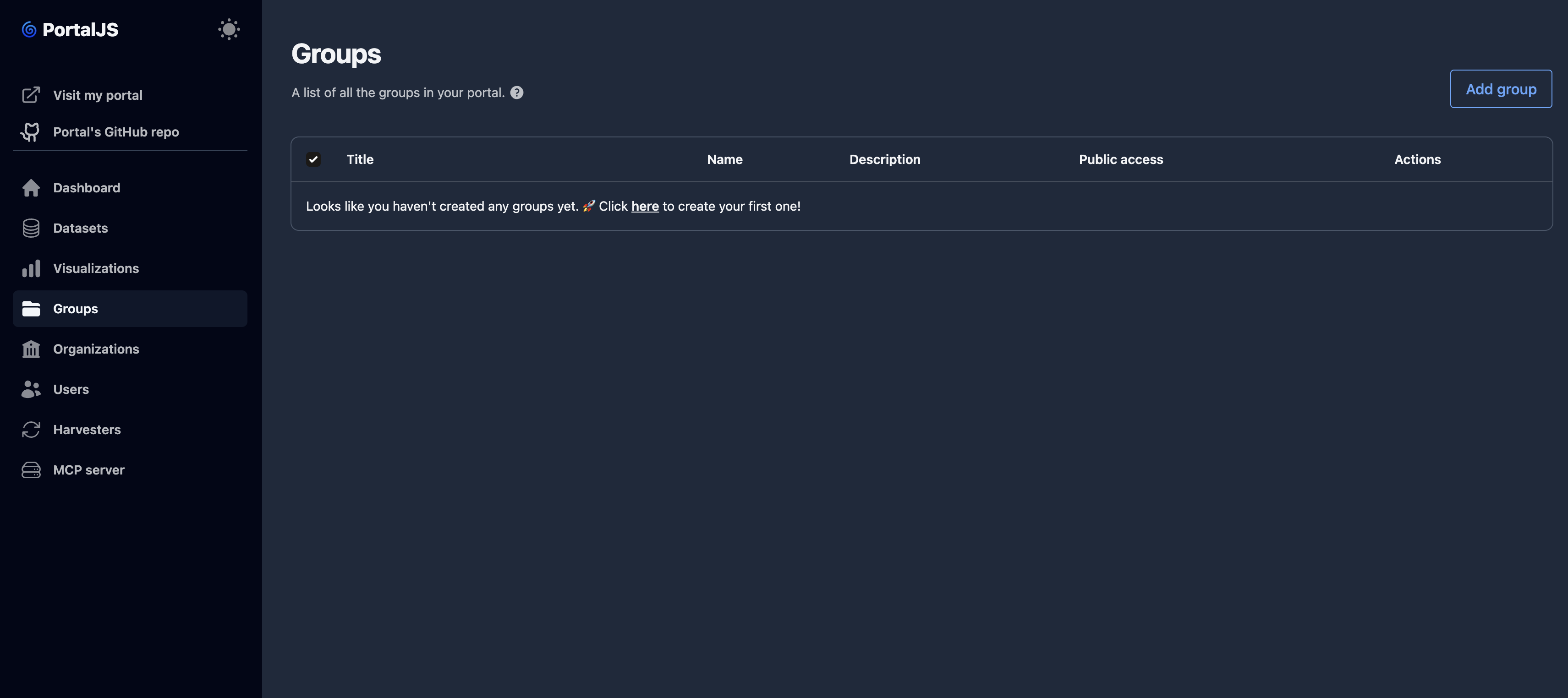
In the sidebar, click Groups.
-
The table lists all groups in your portal. Sysadmins additionally see selection checkboxes and Edit actions on each row.
Create a group
-
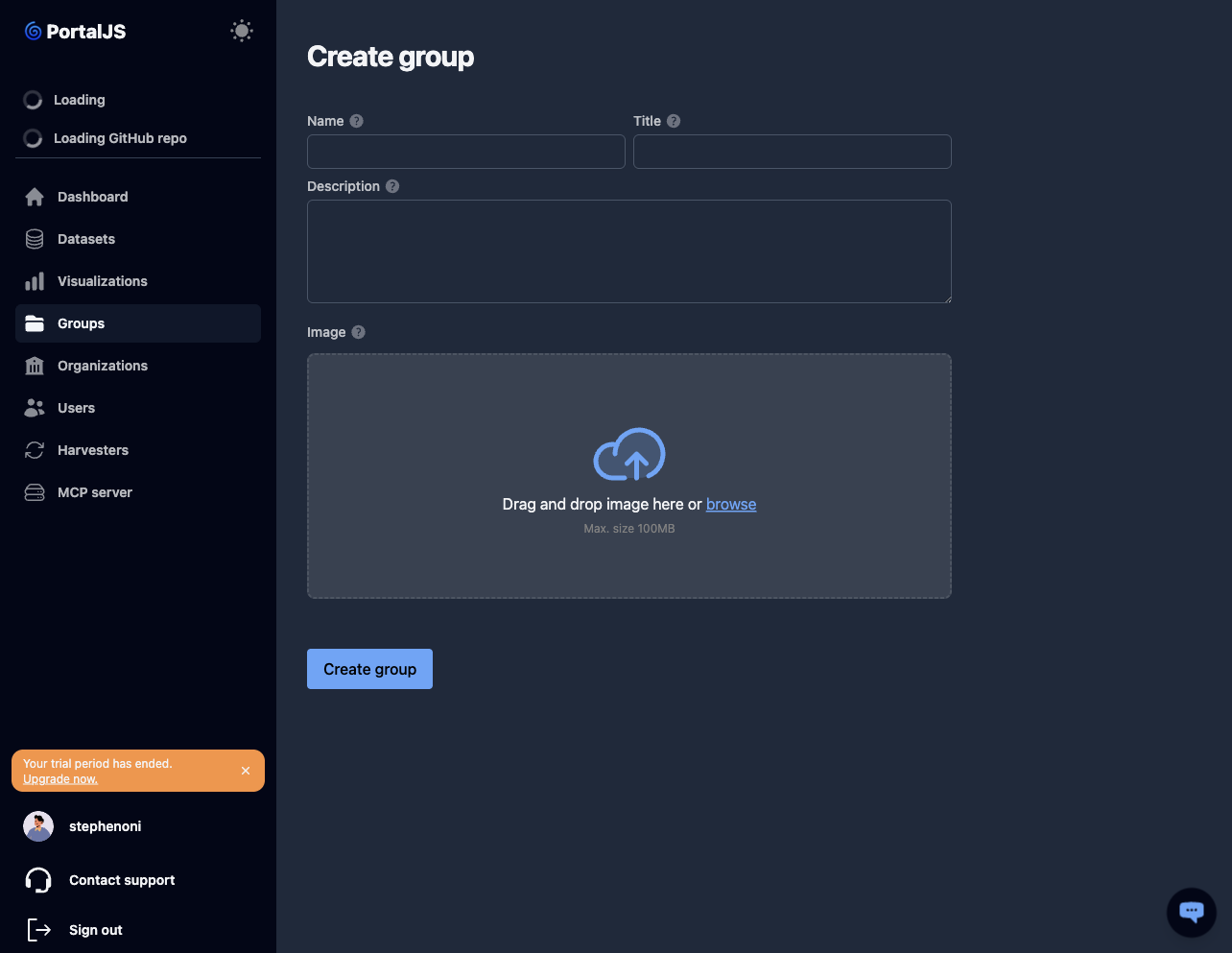
On the Groups page, click Add group.

-
Fill in the form fields (see Group fields).
-
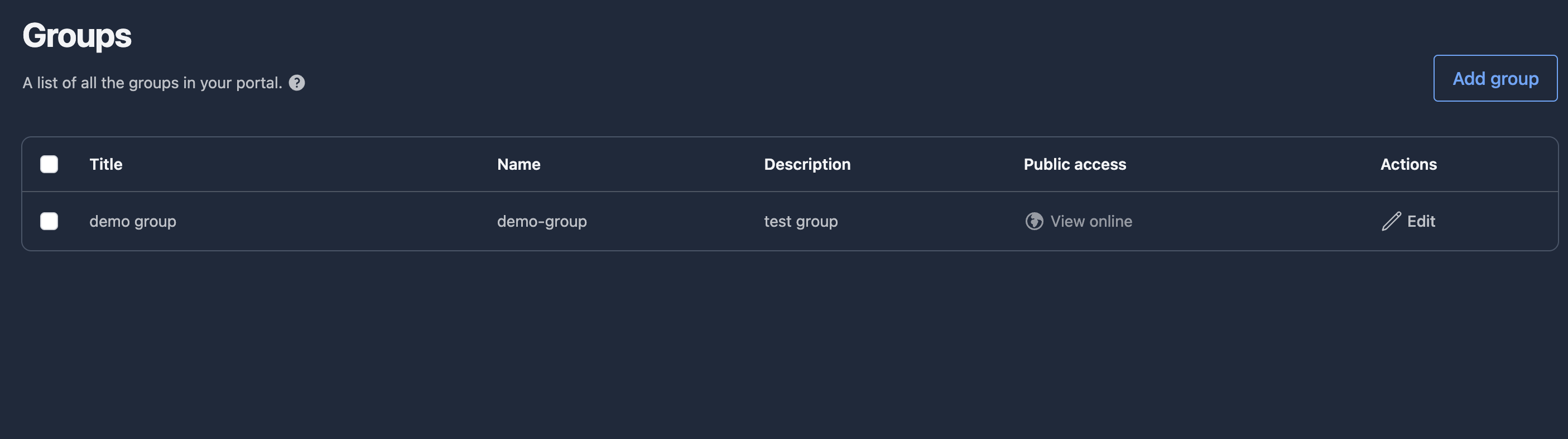
Click Create group. The new group appears in the list.
Edit a group
-
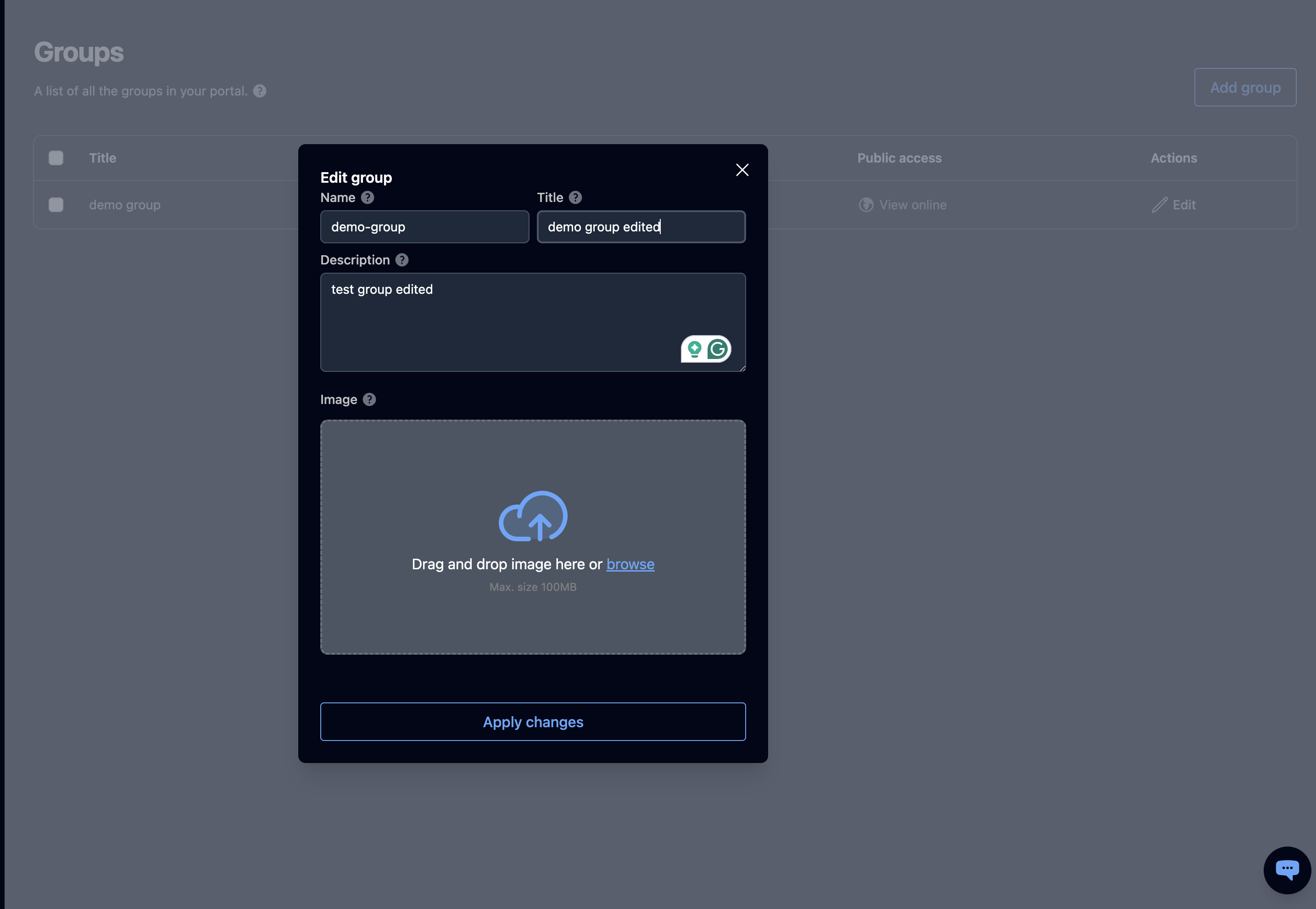
From the Groups list, click Edit on the group's row. The edit form opens in a modal.
-
Update the fields and click Apply changes.
Delete a group
-
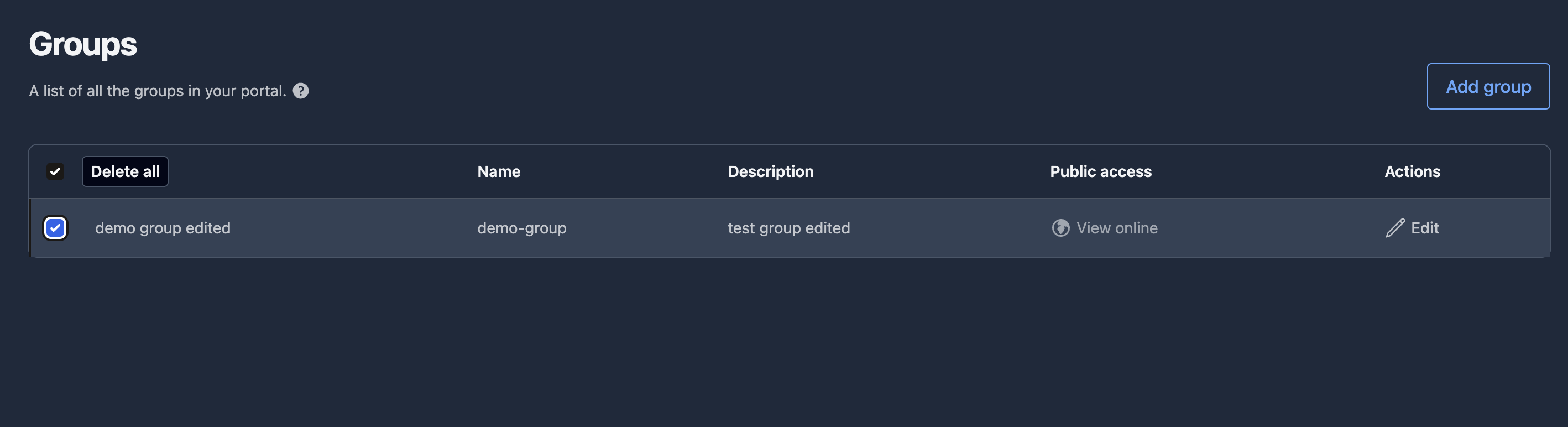
On the Groups list, tick the checkbox to the left of each group you want to delete. Use the header checkbox to select all.
-
Click Delete all in the toolbar that appears above the table.
-
Confirm.
Datasets previously assigned to the group remain — only their association with this group is removed.
Assigning datasets to groups
Open a dataset, edit it, and use the Groups field to add or remove group associations. See Datasets → Edit. A dataset can belong to any number of groups.
Group fields
| Field | Type | Required | Description |
|---|---|---|---|
| Title | string | yes | Human-readable name shown across the portal. |
| Name | string (slug) | yes | URL-safe identifier. Cannot contain spaces or the characters ., +, &. Use lowercase letters, numbers, and dashes. |
| Description | text | no | Summary of what the group covers. |
| Image | URL | no | Logo or banner uploaded for the group. |