
Portal
Your PortalJS Cloud account ships with a public-facing portal site — a hosted frontend that displays your datasets, organizations, and visualizations to end users.
This page covers how to deploy it, find its code, and visit it.
How the portal works
When you sign up, PortalJS Cloud automatically:
- Creates a GitHub repository for your portal under the Datopian GitHub organization.
- Deploys it at
https://<your-org-slug>.portaljs.com. - Wires it to the CKAN backend so the data you manage in the admin dashboard appears on the public site.
You manage data in the admin dashboard; visitors browse it on the public portal.
Deploy or visit your portal
The button at the top of the sidebar reflects the current state of your portal deployment.
| Button label | What it means | What clicking does |
|---|---|---|
| Create my portal | No repo exists yet | Triggers repo creation and first deployment |
| Building your portal… | Repo exists, deployment in progress | Disabled — wait for build to finish |
| Visit my portal | Portal is live | Opens https://<your-org>.portaljs.com in a new tab |
The button auto-refreshes every 10 seconds while a build is in progress.
If "Create my portal" appears
-
Click the button.
-
Wait for the state to change to Building your portal… and then to Visit my portal. This typically takes a few minutes.
-
Once it shows Visit my portal, click to open your live site.
Open the portal repository
Under the sidebar Portal repo link you can jump straight to the GitHub repository that holds your portal's frontend code.
This repository is your project — you are free to modify it. Change the theme, branding, layout, or add custom pages, and your changes are deployed to your public portal.
Use this when you want to:
- Customize the portal theme, branding, or layout.
- Track deployment status via repository commits.
- Open pull requests against your portal frontend.
Repository visibility
By default the repository is created as a public GitHub repository. If you would prefer it to be private, contact us and we can make it private for you.
What visitors see on the public site
The public site is the frontend that visitors browse. Anything you mark Private in the admin dashboard is hidden from it. The default portal ships with the pages described below; every part is customizable through the portal repository.
Homepage
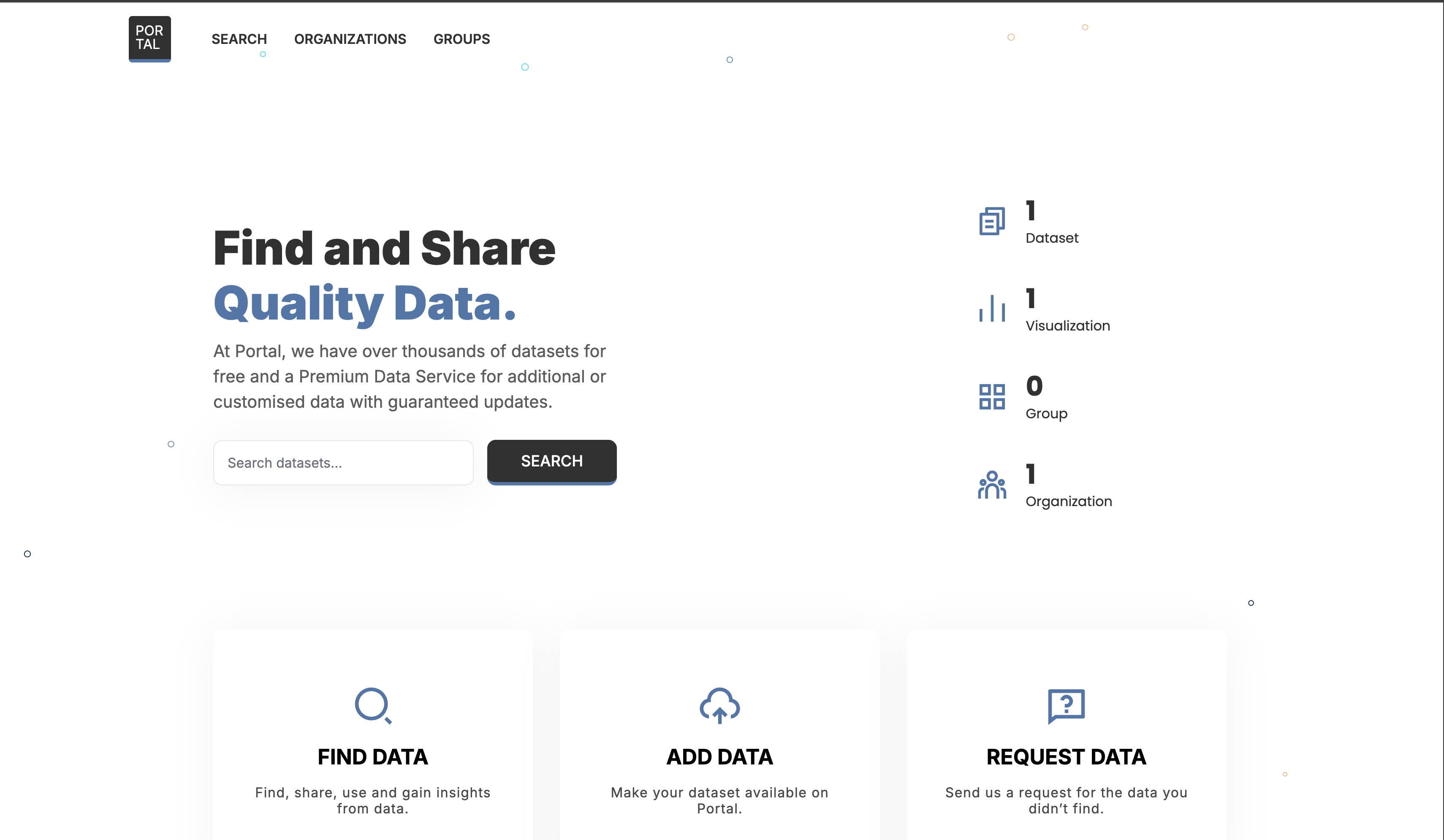
- A hero section with portal statistics: the number of datasets, groups, and organizations.
- Below the hero, the most recently updated datasets.
- A listing of the groups in the portal.
Search page
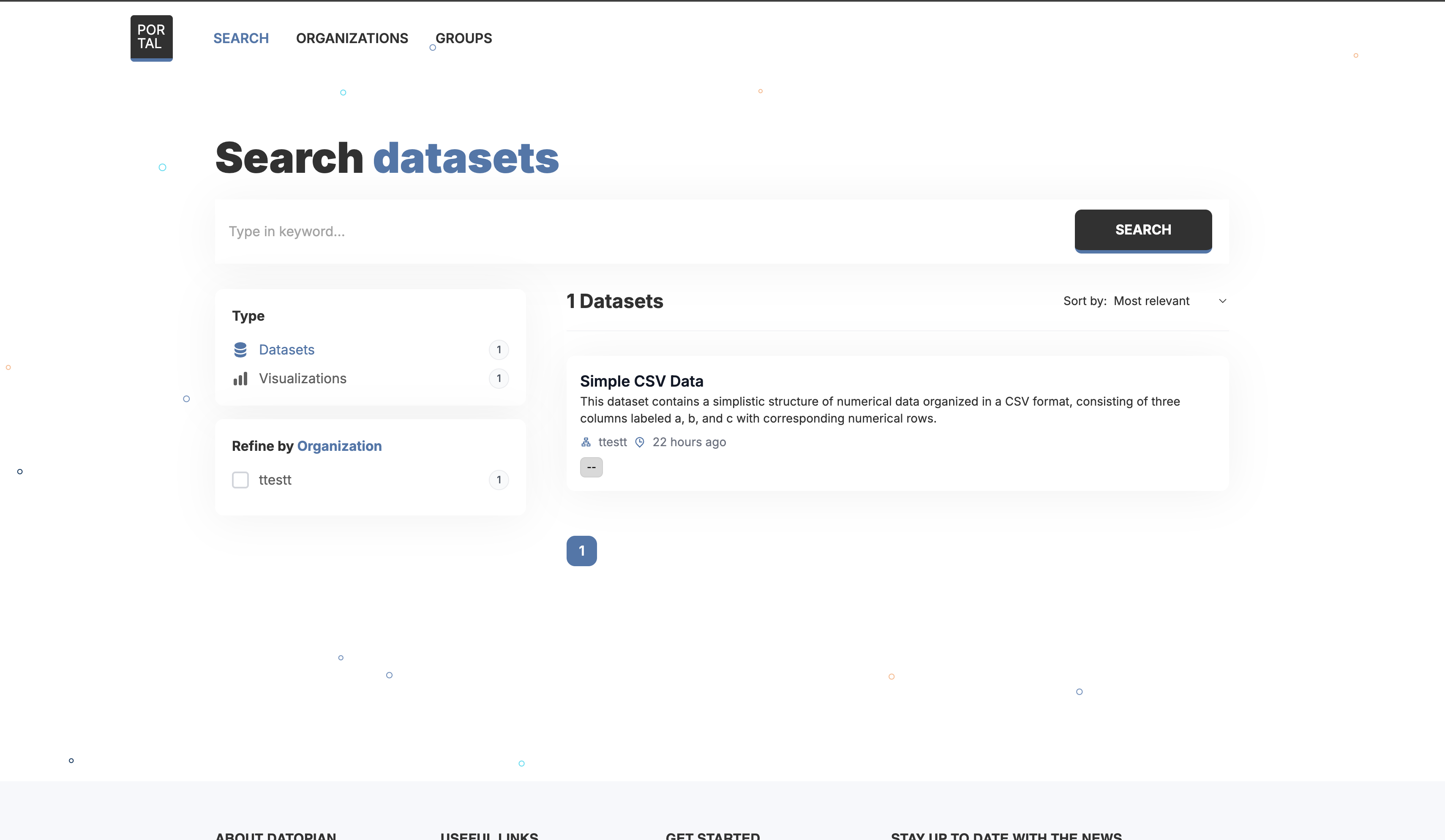
Visitors search the catalog by keyword. By default they can filter results by:
- Organization
- Group
- Tags
- Resource format
Dataset page
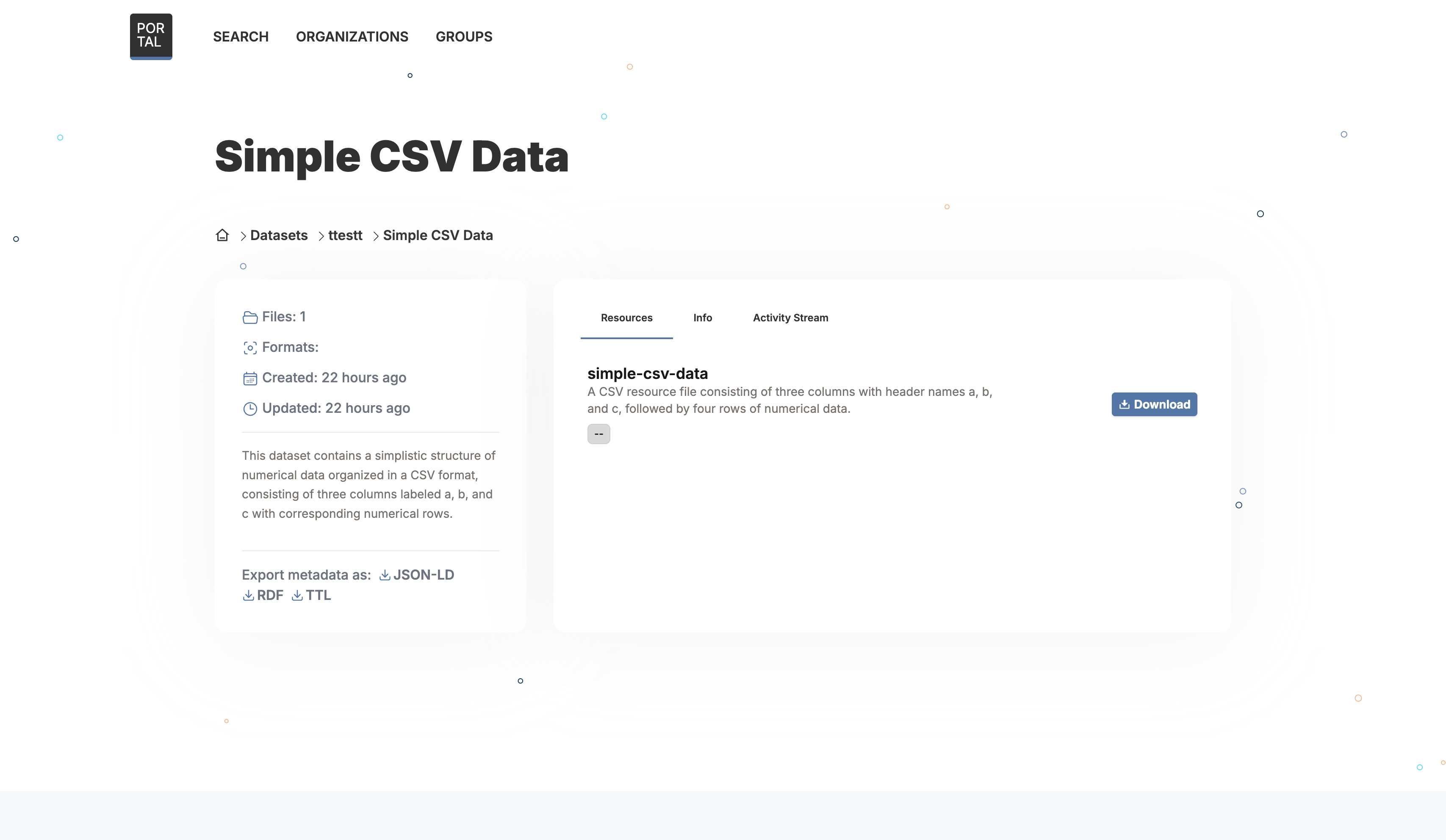
Shows the dataset's metadata along with its list of resources. Each resource can be downloaded or previewed.
Organizations page
Lists all organizations in the portal.
Groups page
Lists all groups in the portal.