
Harvesters
Harvesters automatically pull datasets from external sources into your portal on a schedule — for example, mirroring a CKAN, DKAN, Socrata, or ArcGIS catalog.
The Harvesters page in the admin dashboard is an entry point to the open-source PortalJS Harvesters Framework. The framework itself runs outside of PortalJS Cloud — you decide where and how to host it.
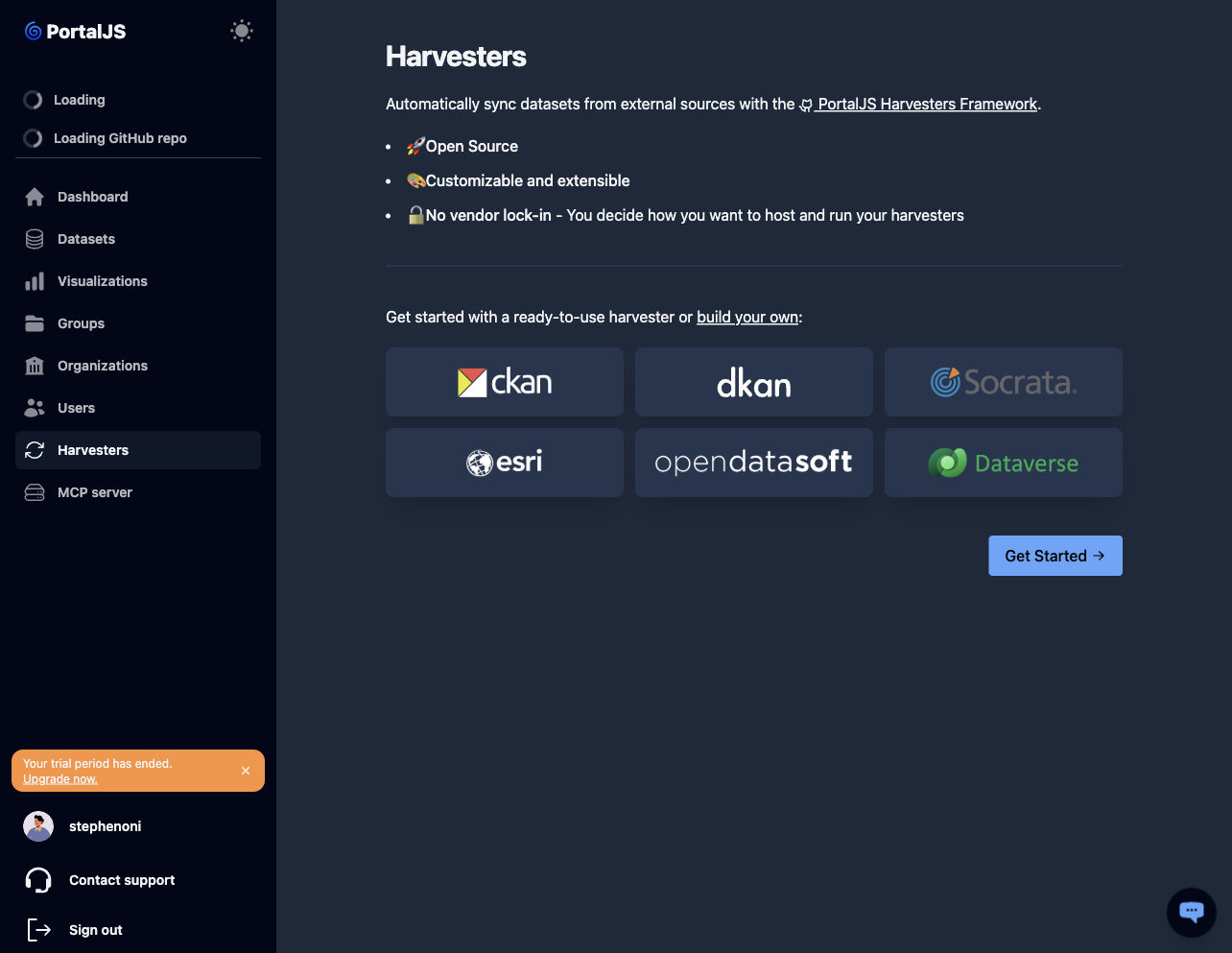
Supported sources
Out of the box, the harvesters framework supports:
- CKAN
- DKAN
- Socrata
- ArcGIS
- OpenDataSoft
- DataVerse
Custom sources can be built by extending the framework.
Get started
-
In the sidebar, click Harvesters.
-
Read the overview. Click Get Started to open the harvesters framework documentation on GitHub.
-
Follow the framework's setup instructions to:
- Choose a source connector (CKAN, DKAN, etc.) or write your own.
- Configure it with your portal's CKAN API URL and an API key.
- Run it on a schedule (cron, GitHub Actions, your own infrastructure).
What harvested data looks like
Each harvested record becomes a regular dataset in your portal — visible on the Datasets page and on the public portal. Harvested datasets can be edited like any other, though changes may be overwritten on the next harvest run.
Operational recommendations
- Create a dedicated API key per harvester so access can be revoked without affecting other integrations.
- Assign harvested datasets to a dedicated Organization (for example, "External sources") to keep them separated from datasets authored directly in the portal.